
Introduction
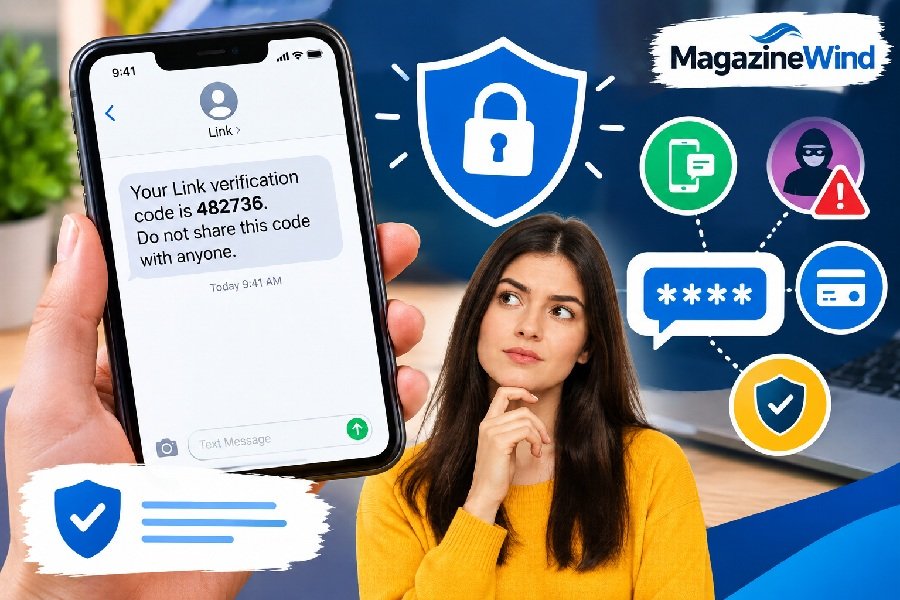
You check your phone and see a text with a random code. Maybe it says “Your Link verification code is 847291.” You didn’t request it. You might not even know what “Link” is.
This situation is confusing and a little scary. Your first thought is probably: “Is someone trying to hack my account?”
The good news is that an unexpected link verification code doesn’t always mean you’re in danger. There are several normal reasons why these codes show up. But there are also scams to watch out for.
This guide explains what link verification codes are, why you might receive one you didn’t ask for, and exactly what to do next. You’ll learn how to tell a real code from a fake one and how to keep your accounts safe.
What Is a Link Verification Code?
A link verification code is a temporary, one-time password sent to your phone or email . Its job is simple: prove that you control the phone number or email address linked to an account.
Here’s how it works. You try to log in, make a payment, or set up a new service. The system sends a short code to your phone. You type that code into the website or app. If the code matches, the system knows it’s really you.
These codes usually expire quickly—often within five to fifteen minutes . That short window is part of the security. Even if someone intercepts the code, it becomes useless fast.
You’ll see link verification codes in many situations. When you create a shortened URL with a service like Bitly, the platform sends a code to confirm you own the original link . When you connect your website to Google Search Console, Google sends a verification code to prove you own that site . Payment services like Stripe’s Link use them too .
What Does a Link Verification Code Text Mean?
A link verification code text is a message containing that temporary code. It typically looks something like this:
“Your Link verification code is 123456. Don’t share this code with anyone.”
That last part—the warning not to share it—is important. It’s the single most critical rule about verification codes. Legitimate companies will never ask you to tell them the code they just sent you .
The message usually comes from a short code (like 5-6 digits) or a recognizable sender name. It contains only the code and perhaps a brief note about what service it’s for. It should not contain links asking you to click through to “verify” something .
Why Did I Receive a Link Verification Code?
Getting a code you didn’t request can happen for several reasons. Most of them are harmless.
Someone Typed Their Number Wrong
This is one of the most common explanations. A person enters their phone number at checkout but makes a typo. Their finger slips, or they mix up two digits. The code meant for them lands on your phone instead .
Think of it like a wrong-number phone call. It’s annoying, but it’s not an attack on you.
You Have a Link Account You Forgot About
Stripe’s Link is a digital wallet that saves your payment details for faster checkout . If you’ve ever bought concert tickets, ordered clothes, or signed up for a subscription on a site that uses Link, you might have created a Link profile without realizing it.
Link recognizes you by your email address or phone number when you visit participating stores . If you’re returning to a site and your session has expired, Link may send a code to confirm it’s you .
Checking your Link activity page can often jog your memory. You might see purchases you forgot were tied to that account .
Someone Is Trying to Access Your Account
This is the scenario people worry about most. A code you didn’t request can mean someone is attempting to log into one of your accounts.
They might have your password from a data breach. Or they might be guessing common passwords. When they reach the verification step, the code goes to your phone—not theirs .
If this happens once, it could be a fluke. If it happens repeatedly, that’s a signal to take action .
An Old Account Is Still Linked to Your Number
Phone numbers get recycled. You might have an old social media account, shopping site login, or email address that still has your current number attached.
Years later, someone tries to access that old account. The verification code still comes to your phone because the number is still linked .
It’s a Phishing Attempt
Not every verification code message is real. Scammers send fake ones that look official. Their goal is to trick you into clicking a malicious link or replying with the code .
The telltale sign? A real code arrives because you started something. A fake one arrives out of nowhere, often followed by someone contacting you to ask for the code .
Is a Link Verification Code Legit or a Scam?
The key question is simple: Did you start the action that would trigger this code?
If you just tried to log in, make a payment, or set up a service—the code is almost certainly legitimate. Enter it on the page you already have open, and you’re done.
If you did not start anything, be suspicious.
Here’s how to tell the difference:
| Sign of a Legitimate Code | Sign of a Scam |
|---|---|
| Arrives right when you’re logging in or paying | Arrives out of nowhere |
| Comes from a recognizable sender or short code | Comes from an odd number or unknown sender |
| Contains only the code, no links | Contains a link urging you to click |
| No sense of urgency | Says “Act now” or “Your account will be locked” |
| References a service you actually use | References a service you’ve never signed up for |
| Clear, error-free language | Has spelling mistakes or awkward phrasing |
The most important rule: No legitimate company will ever call, text, or email you asking for a code they just sent . If someone contacts you and asks you to read them the code, that’s a scam. Every time.
What Should I Do If I Didn’t Request the Code?
Your response depends on how many codes you’re getting and from where.
If It’s a Single Code from a Service You Use
Ignore it. Delete the message. Don’t click any links. Don’t reply, even to say “wrong number” .
If you’re worried, log into that account directly—by typing the website address yourself or using a bookmark. Check for any unusual activity. If everything looks normal, you’re probably fine.
If You Get Multiple Codes from the Same Service
This is a stronger signal. Someone might be trying to break into that specific account.
Log in to the account independently (not through any link in the text). Change your password to something strong and unique. Turn on two-factor authentication if it’s not already enabled .
If You Get Codes from Several Different Services
This pattern can indicate something more serious. It might mean someone has your phone number and is testing it across multiple platforms .
Change the password on your primary email account first. Then update passwords on any other important accounts. Check your bank and credit card statements for unfamiliar charges .
If You’re Getting a Barrage of Codes
This tactic is called “MFA fatigue” or “prompt bombing.” An attacker deliberately floods you with verification prompts, hoping you’ll approve one just to make it stop .
Do not give in. A flood of codes you didn’t request is a reason to slow down, not to approve anything.
What Is Stripe Link?
Many unexpected verification codes come from a service called Link. It’s worth understanding what it is.
Link is a digital wallet created by Stripe, a major payment processing company . When you shop online at a store that uses Stripe, Link can save your payment details. Next time you check out at any participating store, Link fills in your card information automatically .
It’s designed for speed and convenience. You don’t have to dig out your credit card or type your address every time you buy something.
When Link needs to confirm it’s really you—like when you’re on a new device or your session expired—it sends a verification code to your phone or email .
If you’ve ever seen “Payment via link” in an order confirmation, that’s Link in action . It’s a legitimate service used by millions of people. But scammers sometimes pretend to be Link to trick people .
Can Someone Access My Account With the Code?
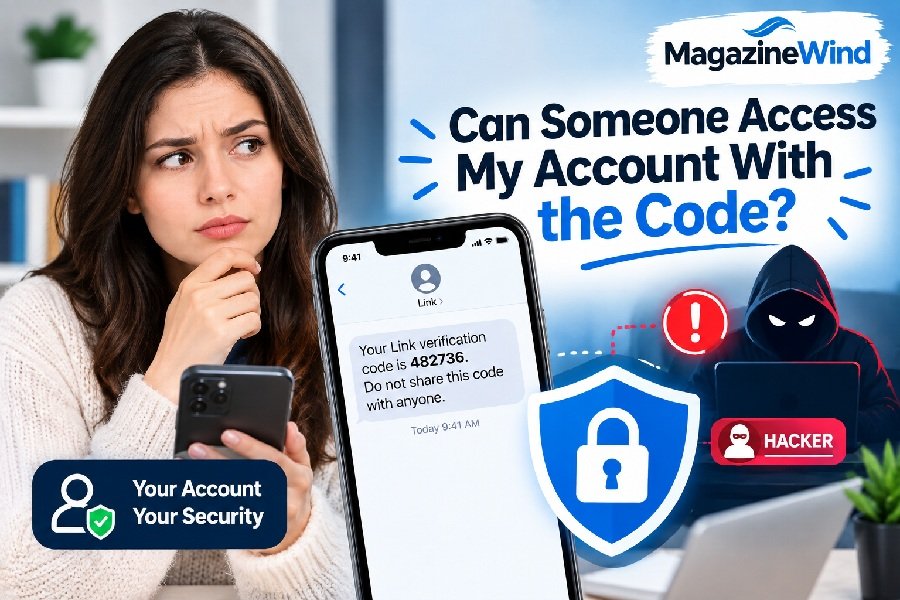
This is the big question. The short answer: Only if you give it to them.
A verification code by itself is useless to an attacker. It’s a one-time password that expires in minutes. Without it, they can’t complete the login or payment they’re attempting .
The danger comes when you share the code. Scammers know this. That’s why they don’t try to steal the code—they try to trick you into handing it over.
They might pretend to be customer support. They might claim there’s a suspicious charge and they need the code to cancel it. They might say they’re a buyer on a marketplace who needs to “verify” you. Every one of these is a lie designed to get you to read them the code .
Once you share it, the attacker can complete whatever action the code was for. That could mean logging into your account, confirming a payment, or linking a new device to your profile .
Never share a verification code with anyone. Not a caller. Not a texter. Not someone who sounds official. Not even if they claim to be from the company that sent the code.
Link Verification Code Not Working
Sometimes you request a code and it doesn’t arrive. Or you enter it and the system rejects it. Here’s what to check.
The Code Expired
Most codes last only a few minutes . If you waited too long to enter it, it won’t work. Request a new one.
You Requested Multiple Codes
When you request a new code, the previous one usually becomes invalid automatically . Make sure you’re using the most recent code you received, not an older one.
The Message Went to Spam
Check your email spam folder or your phone’s blocked messages. Verification codes sometimes get filtered there by mistake .
Your Phone Has Signal or SMS Issues
If you can’t receive texts at all, the code can’t reach you. Check that your phone has signal and that SMS is working. Turn off any spam-blocking features temporarily .
The Phone Number or Email Is Wrong
If you’re trying to verify an account and you entered the wrong contact information, the code goes to the wrong place. Double-check the number or email address you provided .
You’re Using the Wrong Code for the Wrong Service
If you requested codes from multiple services at once, make sure you’re entering the right code in the right place. They’re not interchangeable.
If you’ve tried everything and still can’t get it to work, contact the service’s official support team directly. Don’t use contact information from any suspicious message.
Safety Tips to Avoid Verification Code Scams
A few simple habits will protect you from almost every verification code scam.
Never share the code with anyone. This is the golden rule. No legitimate company will ask for it. If someone does, it’s a scam, no matter how convincing they sound .
Don’t click links in unexpected messages. If you get a code you didn’t request, don’t tap any link in that message. Go directly to the service’s website by typing the address yourself .
Log in independently to check your account. If you’re worried someone is trying to access an account, log in through the official app or website. Look for unfamiliar devices or activity. Remove anything you don’t recognize .
Use an authenticator app instead of SMS when possible. Texted codes can be intercepted through SIM-swapping, where an attacker tricks your carrier into moving your number to a SIM they control . App-based authentication is more secure.
Change passwords if you get repeated codes. If codes keep coming for a specific service, that’s a sign someone is actively trying to get in. Change that password immediately .
Enable two-factor authentication everywhere. Even if it’s SMS-based, 2FA is better than nothing. App-based 2FA or hardware keys are better still.
Check if your email has been in a data breach. Services like Have I Been Pwned can tell you if your credentials have appeared in known leaks. If they have, change those passwords .
Keep your phone number private when possible. The less your number is tied to public profiles and old accounts, the fewer opportunities attackers have to target it.
FAQs
What is a link verification code?
A link verification code is a temporary one-time password sent to your phone or email. It proves you control the account or contact method associated with a link or login .
Why did I get a Link verification code text I didn’t request?
The most common reasons are: someone typed their phone number wrong at checkout, you have an old Link account you forgot about, or someone is trying to access an account linked to your number .
Is the Link verification code text a scam?
It might be. A real code arrives when you’re actively logging in or paying. If a code appears out of nowhere and someone contacts you asking for it, that’s a scam .
Should I share the verification code with someone who calls me?
No. Never. No legitimate company will call and ask for a code they sent you. Anyone who does is trying to scam you .
What happens if I ignore the verification code?
Ignoring a code you didn’t request is usually safe. The code expires quickly and becomes useless. But if you keep getting codes, someone may be trying to access your account. Change your password to be safe .
Can someone hack my account with just the verification code?
Only if you give it to them. A code by itself is useless. The danger comes when you share it with someone who contacted you .
Why do I keep getting verification codes from different apps?
This could mean someone has your phone number and is testing it across multiple services. Change your passwords and check for unusual account activity .
Conclusion
A link verification code is a simple security tool. It confirms you’re you. Most of the time, an unexpected code is just a wrong number or a forgotten account. It’s annoying, but harmless.
The danger comes from sharing. Scammers want your code. They’ll call, text, or email pretending to be someone official. They’ll create urgency. They’ll sound helpful. But the moment you read them the code, they’re in.
Protect yourself with one simple rule: Never share a verification code with anyone. Not a caller. Not a texter. Not someone claiming to be from Link, Stripe, your bank, or any other company.
If you get codes you didn’t request, don’t panic. Don’t reply. Don’t click anything. Log into the relevant account directly, check for unusual activity, and change your password if something looks wrong.
A little caution goes a long way. With these habits, you can stay safe from verification code scams and keep your accounts secure.