
Introduction
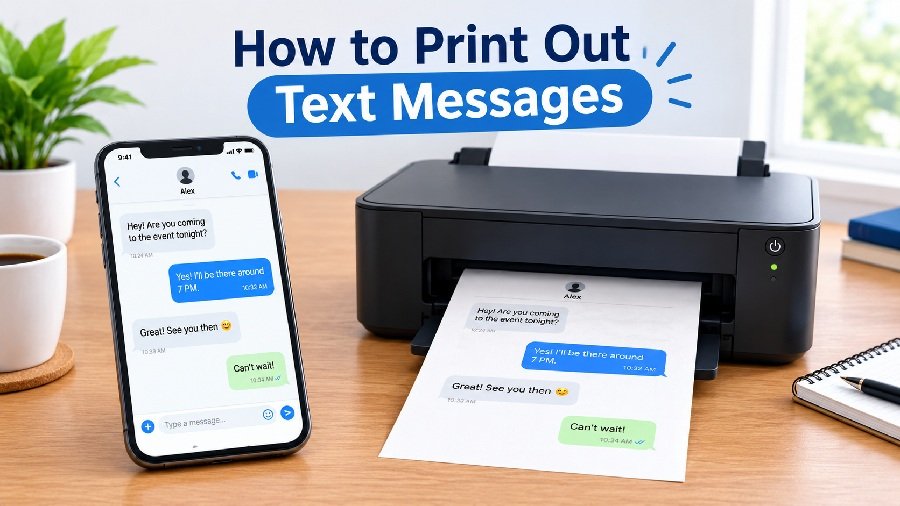
There are many reasons you might need to know how to print out text messages. Maybe you want to save a sweet conversation with a loved one. Perhaps you need a record of a business deal. Or you might need messages as evidence for a legal matter.
Whatever the reason, printing texts is not always as simple as hitting a print button. Your phone’s messaging app usually does not have a direct “Print” option. The good news is that there are several practical workarounds. This guide will walk you through the easiest methods for both iPhone and Android, step by step, in plain English.
How to Print Out Text Messages from an iPhone
The iPhone does not have a built-in “Print Conversation” button in the Messages app. You have a few options, ranging from quick screenshots to using a computer.
Method 1: Take Screenshots (Quickest for Short Chats)
This is the simplest method if you only need a few messages.
- Open the Messages app and find the conversation.
- Press the Side button and the Volume Up button at the same time to take a screenshot.
- Repeat for each part of the conversation you need.
- Open your Photos app, select the screenshots, and tap the Share icon.
- Choose Print if you have a wireless printer set up, or email them to yourself to print from a computer.
Limitation: This is tedious for long conversations, and screenshots do not include metadata like exact timestamps for every message.
Method 2: Use a Third-Party App or Computer Software
For entire conversations, you will need a tool that can export your messages. Options include apps like iMazing (for Mac/PC) or TextPort (for iPhone) . These tools back up your phone data and let you select conversations to save as PDF or print directly.
Important: Be cautious with third-party apps. Check reviews and privacy policies before granting access to your messages. Some apps require a subscription for full features .
How to Print Out Text Messages from an Android Phone
Android phones also lack a universal print button for texts, but the methods are similar.
Method 1: Screenshots and Print
- Open your messaging app.
- Take a screenshot (usually Power + Volume Down).
- Open the screenshot in your Gallery or Photos app.
- Tap the menu (three dots) and look for a Print option. If your phone supports it, this will open the Android print service .
- Alternatively, share the screenshot to your email and print from a computer.
Method 2: Use an Export or Backup App
For full conversations, you can use an app from the Google Play Store. Apps like “SMS Backup, Print & Restore” or “Print Text Messages” can convert your SMS threads into PDF files . You can then open the PDF and print it.
Note: Features vary by app and phone model. Some apps may not support newer message formats like RCS .
How to Print Text Messages from a Computer
This is often the best method for long conversations because you can use a full keyboard and a standard printer.
For Android: If you use Google Messages, you can open messages.google.com in a web browser on your computer. Open the conversation, highlight the text you want, right-click, and select Print . This is a free and simple method.
For iPhone: Apple does not offer a web interface for Messages. You will need to use a desktop software program (like iMazing or CopyTrans Contacts) that can read your iPhone backup and export conversations for printing .
How to Print an Entire Text Message Conversation
To print a full conversation with all the dates, times, and sender info intact, screenshots are not enough. You need a proper export.
Look for a tool that creates a PDF with timestamps. Apps designed for this (like the ones mentioned above) will format the chat so it looks like a document, with each message showing who sent it and exactly when . This is essential if you need a clear, readable record.
Can You Print Text Messages for Court?
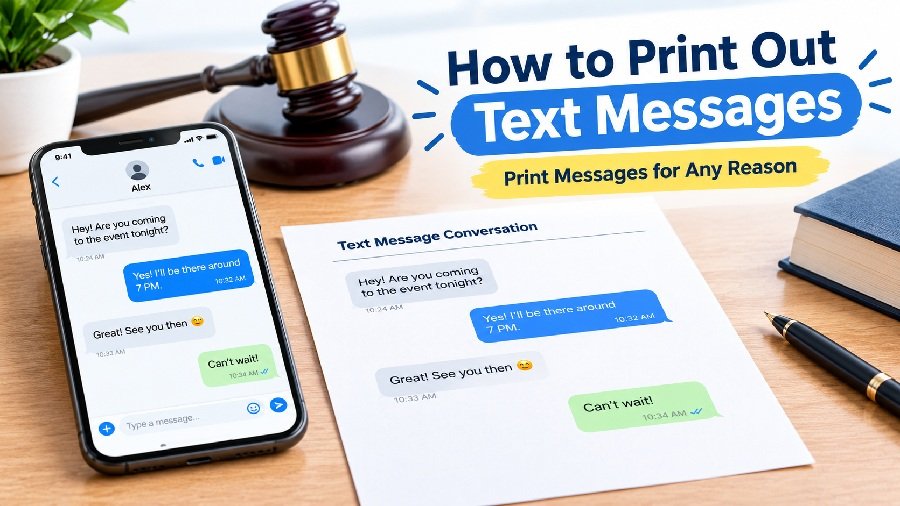
Yes, but you must be careful. Screenshots are often not enough for court. Courts generally require a clear record of the conversation that shows:
- The phone numbers of all participants (not just saved contact names)
- Accurate timestamps for each message
- The conversation in its correct order, without gaps
In some jurisdictions, electronic records may need a specific certificate to be admissible . Always check with the court or a legal professional about their specific evidence requirements before relying on a printed document.
Common Problems and Solutions
- “My printer won’t connect.” Ensure your phone and printer are on the same Wi-Fi network. If printing from a computer, check the printer drivers.
- “The conversation is too long for one screenshot.” Use a third-party app to export the whole thread as a PDF .
- “The formatting looks messy.” When exporting to PDF or Word, check the preview. Some apps offer better formatting than others. Using a computer often gives you more control.
- “Missing messages.” If you use iCloud for Messages on iPhone, older messages might not be on your device. You may need to download them first before a computer tool can access them .
Frequently Asked Questions
Can I print text messages from my iPhone?
Yes, but not directly from the Messages app. You can use screenshots, or use a computer software tool that exports your messages as a PDF.
How do I print text messages from Android?
You can take screenshots and print them from your gallery. For full conversations, use a backup/export app from the Play Store to create a PDF.
Can I print text messages without screenshots?
Yes. You will need to use a third-party app or computer software to export the conversation as a PDF or text file, which you can then print.
Can I print text messages from my computer?
For Android, you can use Google Messages for web to print. For iPhone, you need desktop software that can read your phone’s backup.
Is there a free way to print text messages?
Taking screenshots is free. For Android users, Google Messages for web is free. Most apps that export full conversations have free versions with limits, or require payment for full features.
Conclusion
Learning how to print out text messages is easier than it seems. For a quick message or two, screenshots work fine. But if you need a full conversation—especially for legal reasons—invest in a proper export tool that preserves timestamps and sender details. Whether you use an iPhone or Android, a computer, or a dedicated app, you now have the options to turn your digital chats into a physical record.