
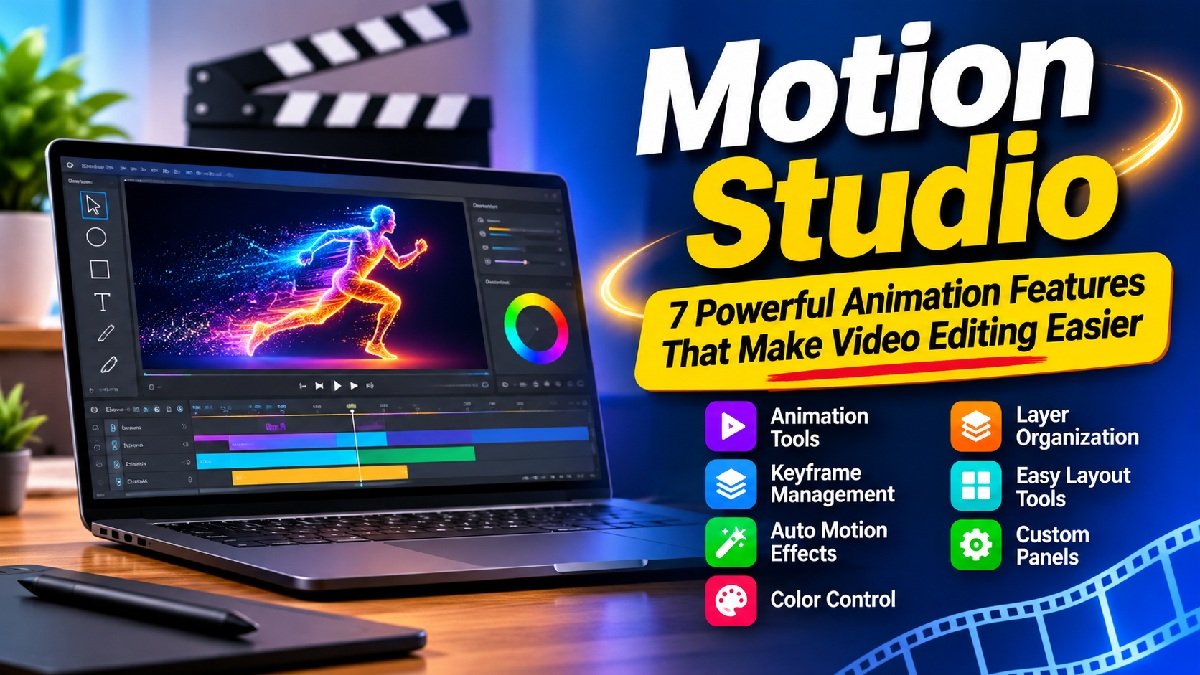
Motion Studio is a effective animation toolkit designed to make movement format and video improving workflows less complicated. Developed with the aid of the use of manner of Mt. Mograph, it gives a set of equipment that help creators control keyframes, modify animation velocity, put together layers, and create expert-searching movement effects.
For folks that regularly paintings with Adobe After Effects, Premiere Pro, Illustrator, or DaVinci Resolve, Motion Studio offers numerous useful features in a unmarried toolkit.
Whether you’re a newbie exploring animation or an professional movement fashion dressmaker, information its system can help you decide whether or not or now not or not this software program is well without a doubt well worth the usage of.
In this newsletter, we are capable of discover seven vital Motion Studio features, its supported packages, pricing, blessings, and obstacles.
What Is Motion Studio?
Motion Studio is a movement layout toolkit superior with the resource of Mt. Mograph. It is designed to simplify commonplace animation duties and deliver creators greater manage over their responsibilities.
The software includes multiple hundred gear for relieving, keyframes, computerized motion, format, shade manipulate, and layer agency agency.
It works with Adobe After Effects, Premiere Pro, and Illustrator, even as decided on tools also are available for DaVinci Resolve.
Motion Studio moreover consists of a standalone pc software program that helps users control installations, extensions, color palettes, and animation libraries.
7 Powerful Motion Studio Features You Should Know
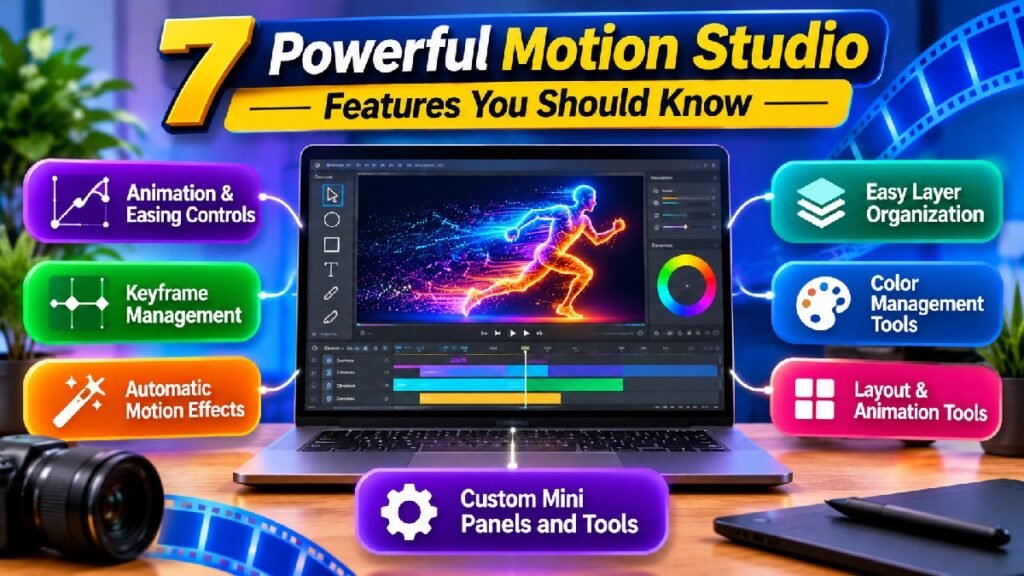
Here are seven useful talents that make Motion Studio interesting for video editors and motion designers.
1. Advanced Animation and Easing Controls
Animation easing controls how an object hastens or slows down throughout movement.
Motion Studio offers one-of-a-kind easing alternatives that assist creators regulate the motion of lively gadgets.
Users can adjust animation curves, manipulate tempo, and create smoother transitions between keyframes.
This feature is useful for energetic textual content, trademarks, pix, and one of a kind motion format tasks.
2. Keyframe Management
Keyframes are an critical part of animation because of the truth they define how an item modifications over time.
Motion Studio includes gadget that assist users replica, clone, combination, smooth, and arrange keyframes.
Its Re-Key characteristic allows users to hold and reuse keyframe presets. Key Assist also can assist automate bulk keyframe creation.
These tools can lessen repetitive art work at the same time as growing multiple animations.
3. Automatic Motion Effects
Creating each movement manually can take massive time.
Motion Studio gives automatic movement equipment that help customers create specific styles of movement.
Some useful options include:
- Excite: Creates overshoot-style motion.
- Jump: Helps create bouncing actions.
- Spin: Adds rotational movement.
- Orbit: Creates circular motion spherical each different object.
- Stare: Helps orient a layer in the path of a motive.
These tools are useful for together with motion to photo factors with out building every animation from scratch.
4. Easy Layer Organization
Large animation projects can include dozens or perhaps loads of layers.
Finding and organizing those layers manually can turn out to be difficult.
Motion Studio includes layer manipulate gadget together with Sort, Rename, Focus Groups, and Stagger.
These features assist creators arrange their timelines, manipulate decided on layers, and paintings extra correctly.
5. Color Management Tools
Color performs an essential feature in expert video improving and movement layout.
Motion Studio gives color-related controls that assist clients modify and control solar sunglasses of their tasks.
Its shade gadget encompass options for walking with hue, saturation, vibrance, and shade palettes.
Creators also can arrange and reuse saved coloration combos at some point of one of a type initiatives.
6. Layout and Animation Tools
Proper positioning is critical whilst growing professional animations.
Motion Studio consists of equipment for aligning, arranging, and allotting layers.
These functions can help creators preserve consistent spacing and decorate the general composition of their designs.
They are in particular useful while taking walks with active text, shapes, icons, and a couple of graphic factors.
7. Custom Mini Panels and Workflow Tools
One thrilling part of Motion Studio is its customizable Mini panels.
These moderate-weight panels allow customers to create custom toolbars containing regularly used gear, libraries, and alertness instructions.
Instead of time and again searching through menus, creators can hold vital controls inside smooth collect.
This may want to make everyday animation artwork more on hand.
Also read:Vidnoz AI Image Generator and AI Clothes Changer Review: 7 Best Features to Try
Which Applications Does Motion Studio Support?
Motion Studio supports severa present day programs, in spite of the reality that the to be had competencies vary between them.
| pplication | Supported Features |
|---|---|
| Adobe After Effects | Full Motion Studio toolset |
| Adobe Premiere Pro | Selected tools |
| Adobe Illustrator | Selected tools |
| DaVinci Resolve | Resolve Ease graph editor |
After Effects customers get the most entire revel in, even as special packages get maintain of selected gear and integrations.
Is Motion Studio Easy to Use?
Motion Studio is designed to simplify many commonplace movement layout duties.
However, novices can also need a while to recognize animation mind collectively with keyframes, easing curves, layers, and movement paths.
People who already use Adobe After Effects also can furthermore find out its tools less difficult to apprehend due to the reality they paintings alongside familiar improving workflows.
New customers can also explore the legitimate publications and gaining knowledge of assets provided thru Mt. Mograph.
Motion Studio Pricing and Free Trial
Motion Studio is a paid toolkit, but clients can strive it before purchasing for a subscription.
According to its true pricing page, the standalone Motion Studio plan is listed at $13 consistent with month or $11 in keeping with month at the same time as billed every year.
The Ultimate Bundle is likewise available with extra Mt. Mograph products.
The business enterprise gives a seven-day unfastened trial with get right of access to to the whole function set. No credit rating score card is wanted for the trial.
Pricing and subscription records may additionally additionally trade, so take a look at the professional net website online earlier than buying.
Pros and Cons of Motion Studio
Before selecting any animation software, it’s miles beneficial to recognize its blessings and obstacles.
Pros
- More than 100 motion layout equipment.
- Useful keyframe control features.
- Advanced animation and easing controls.
- Supports multiple innovative packages.
- Customizable Mini panels.
- Seven-day unfastened trial.
Cons
- Requires time to test some advanced capabilities.
- Paid subscription is wanted after the trial.
- The complete toolset is in particular centered on After Effects.
- Beginners can also additionally want extra animation tutorials.
Who Should Use Motion Studio?
Motion Studio can be beneficial for distinct varieties of modern experts.
Motion Designers: It affords equipment for growing smoother animations and handling complicated responsibilities.
Video Editors: Editors can use selected device to enhance their enhancing workflow.
After Effects Users: They can experience the large collection of animation, keyframe, and layer control gadget.
Content Creators: People developing energetic movement images, promotional images, and social media content material fabric can also additionally locate its workflow equipment beneficial.
However, beginners who simplest want primary video enhancing won’t require such an in depth toolkit.
Also read:Why Optimized Visuals Matter in Modern Content Creation: 7 Powerful Benefits
Is Motion Studio Worth Using?
Motion Studio is properly well worth considering if you frequently create animations or artwork with Adobe After Effects.
Its series of easing controls, keyframe gadget, automated movement outcomes, and layer manage abilties may want to make repetitive duties much less difficult.
The seven-day free trial is a practical way to discover its skills earlier than purchasing a subscription.
However, whether it’s far surely truely worth the value relies upon for your editing wishes, enjoy, and the manner frequently you operate animation equipment.
Frequently Asked Questions (FAQs)
1. What is Motion Studio used for?
Motion Studio is used for movement format, animation, keyframe enhancing, easing controls, layer control, and brilliant revolutionary workflows.
2. Is Motion Studio loose?
Motion Studio is paid software program program application, but it gives a seven-day unfastened trial with get right of entry to to its complete function set.
3. Does Motion Studio paintings with After Effects?
Yes. Motion Studio gives its whole toolset for Adobe After Effects.
4. Can beginners use Motion Studio?
Yes. Beginners can use it, however analyzing easy animation requirements and understanding its specific machine will make the enjoy a lot much less complex.
5. Is Motion Studio available for Windows?
Yes. Motion Studio gives installers for Windows and macOS structures.
Final Verdict
Motion Studio is a useful motion format toolkit for creators who want extra manage over animation and improving workflows. Its keyframe manipulate, easing controls, computerized motion consequences, and layer organisation gadget make it an interesting choice for normal After Effects customers.
Although novices may additionally moreover want a few workout, its seven-day loose trial provides an possibility to find out the software earlier than developing a purchase.
If animation and movement layout are an essential part of your creative work, Motion Studio is properly worth exploring.